When I can’t find an app that solves some small need, I build one myself — since that’s what I do for a living. They’re usually really specific and small, but useful. I’m making them available not because they’re great, but because somebody else might find them useful too. Enjoy.
A to-do list with a brain, for people who think in systems.
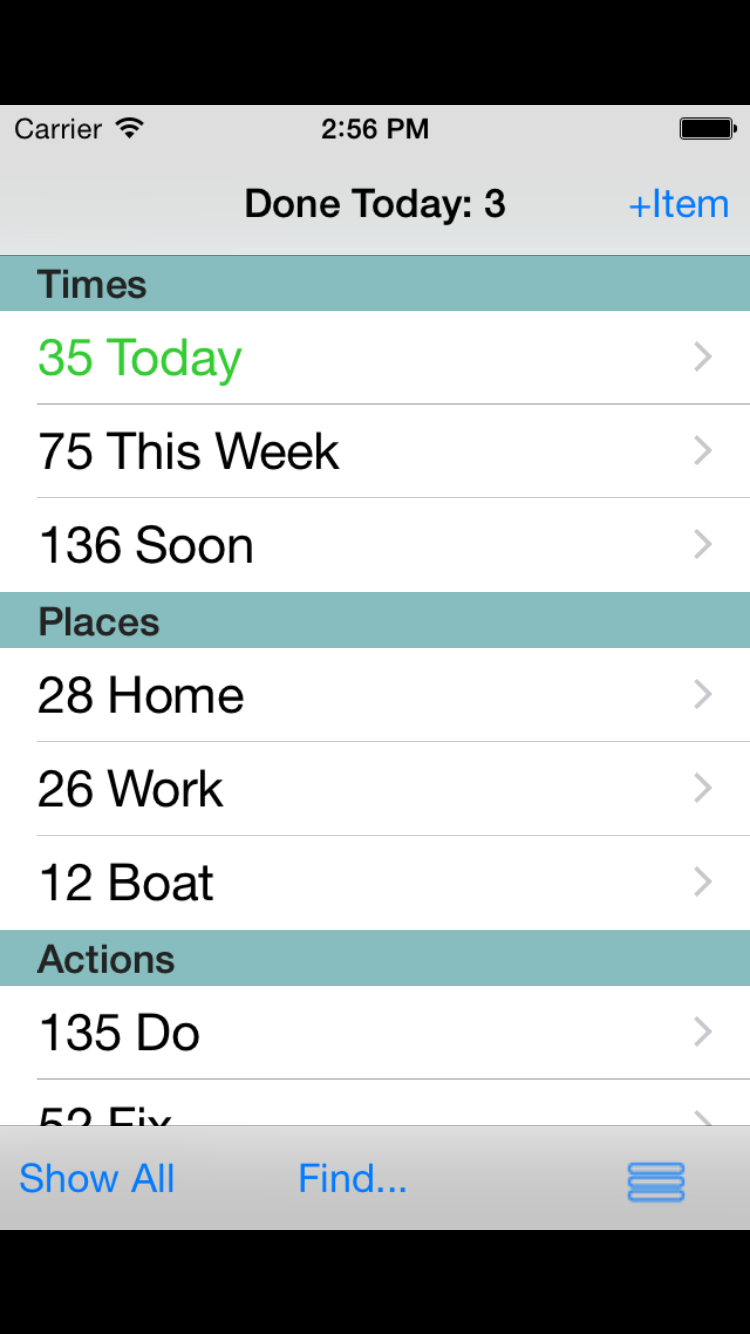
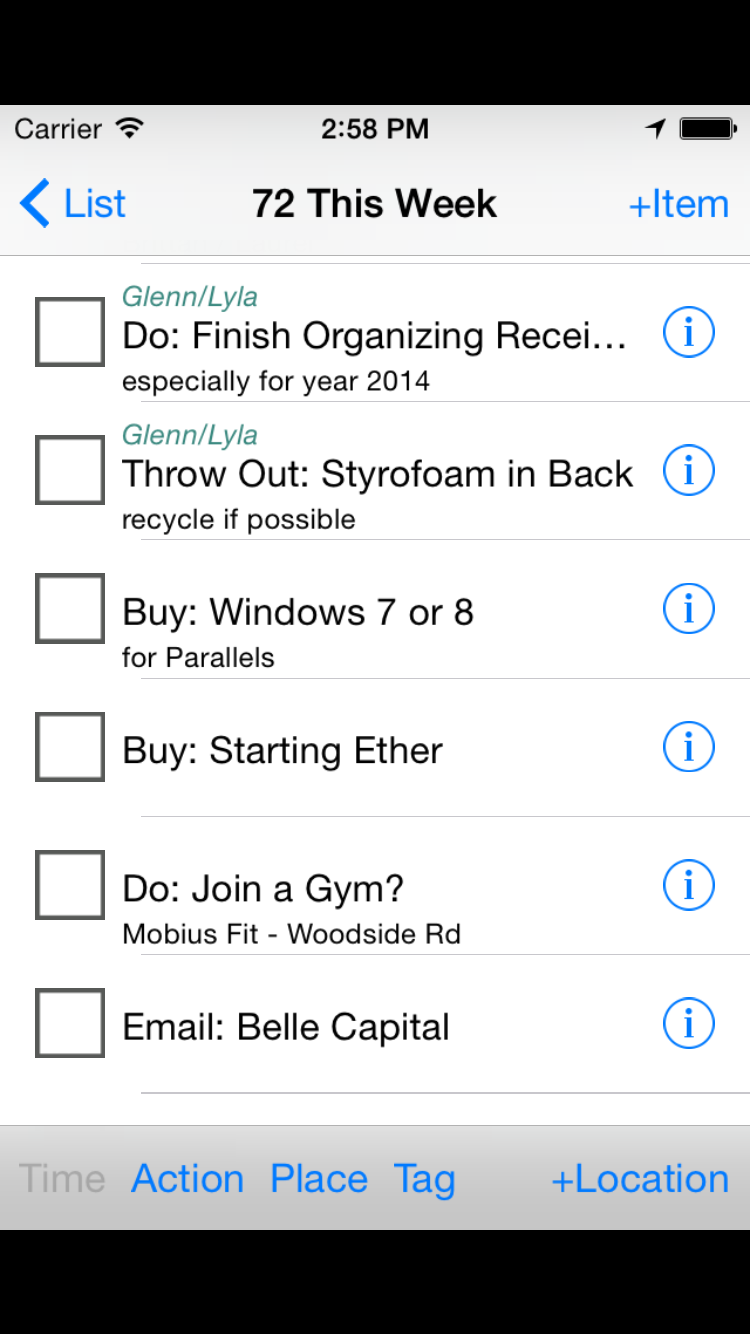
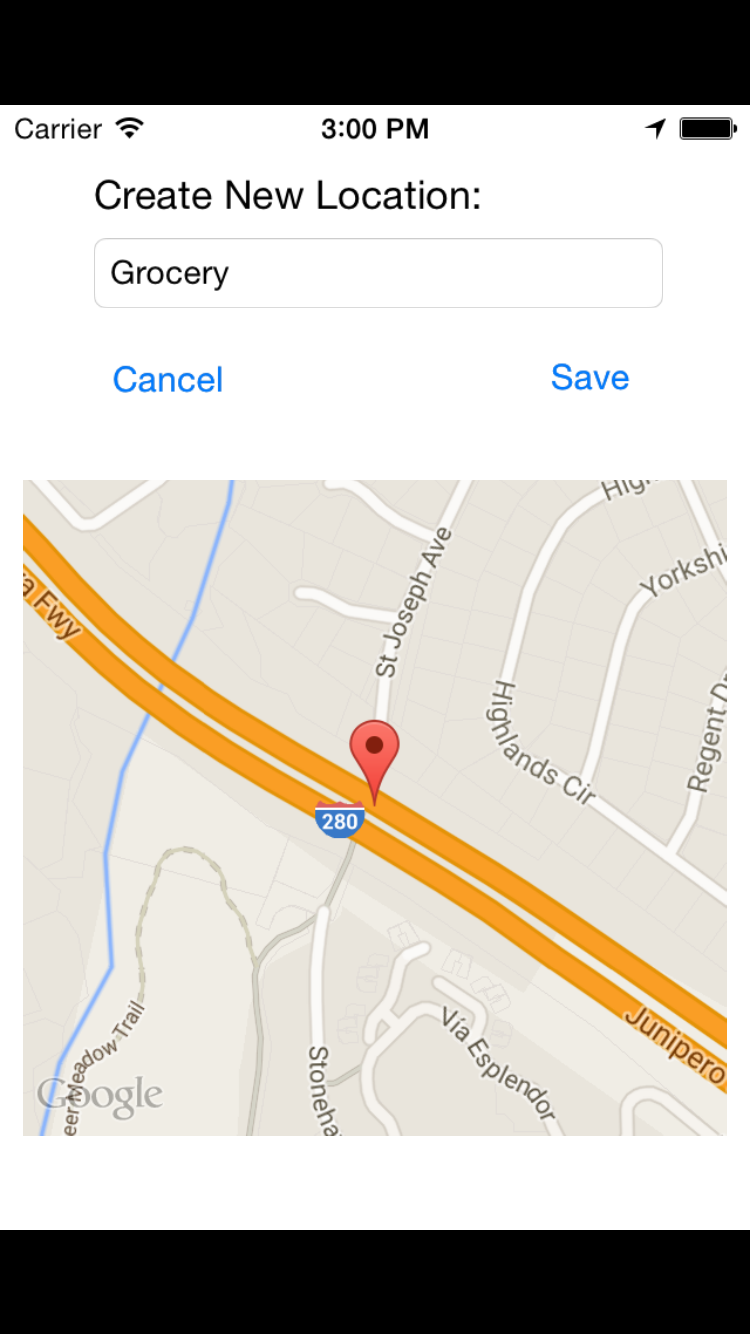
GSD stands for Get Shit Done. GSDList is built for turbo geeks — power users whose task manager needs to keep up with them. Structured, fast, location-based, keyword-driven, everything you need and some things you don't.
The clock that floats but isn't in the way (too much)
I tried several floating clock apps, because I want to be able to see it from across the room, not just the tiny menu bar clock. Some of the apps out there are okay, but all of them have way too many options. The closest I found to one I liked, Big Clock I think it was called, chewed up an amazing amount of memory and CPU. So I built one that has very light memory/CPU use, is highly readable, includes day of the week, and just works. You don't get to change its color, but you can choose from Small, Medium, and Large, so it can adapt to huge 4k monitors or small Macbook Air screens.
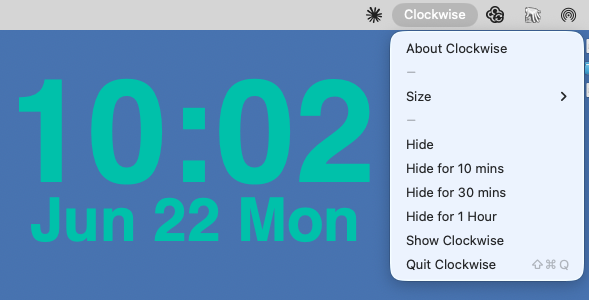
Clockwise shows up in the menu bar, but doesn't otherwise have an app icon in the traditional sense. There are a few choices in the menu, like size and Hide for 1 Hour, which I find useful when it's in the way of something I'm doing, but I want it to come back without my having to remember to un-hide it.
Download on the Mac App Store
Some light statistics on your step count.
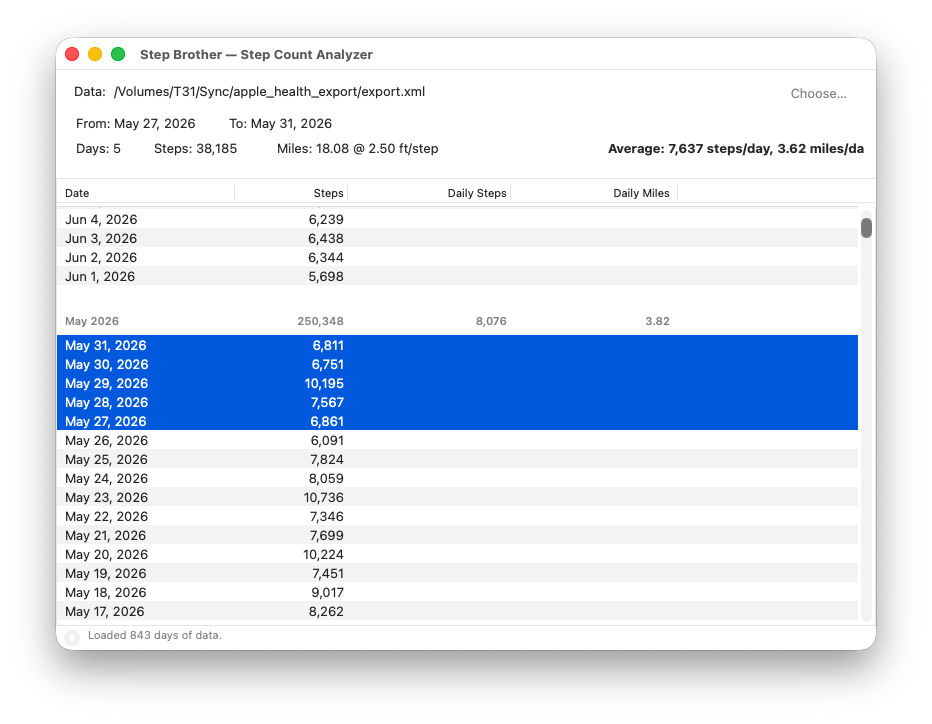
Step Brother reads your step data from Apple Health and lets you see trends that don't really show up in other apps. See daily averages, weekly trends, and total mileage across any time period — giving you a clear picture of your activity patterns and how far you’ve actually gone.
Download on the App Store